100%
GST-ready billing is mandatory for compliant operations
2–3x
Faster checkout with a menu-optimised POS workflow
24/7
Offline billing continuity needed in unstable networks
Why POS Selection Matters More Than Most Owners Think
A POS is not just a billing screen. It directly affects your speed of service, reporting accuracy, and tax compliance. Picking the wrong system creates daily friction that compounds into revenue loss over weeks and months.
Most restaurant owners evaluate POS systems based on price alone. But price is the last thing you should look at. The right question is: will this system work reliably when your restaurant is at full capacity, and will it be easy to use without constant hand-holding?
Key insight: The best POS is not the one with the longest feature list. It's the one that can be run confidently during your busiest hours.
1. Start with GST Compliance and Invoice Accuracy
For any restaurant operating in India, GST compliance isn't optional. Your POS must generate invoices that satisfy both your customers and your auditors — every time.
- Ensure support for all GST slabs (0%, 5%, 12%, 18%), HSN/SAC code mapping, and tax-inclusive/exclusive pricing toggle
- Verify that the printed tax invoice format works correctly for dine-in, takeaway, and delivery orders
- Confirm that return and refund handling keeps your records audit-ready without manual corrections
- Check if GSTR summary reports can be exported directly for your CA or GST portal filing
Red flag to watch for: Some cheaper POS systems apply GST as a fixed percentage across all items. This breaks the moment you have items at different tax slabs — like beverages at 12% and food at 5%.
2. Check Hardware Compatibility Before You Buy
Many restaurant owners are sold expensive hardware bundles they don't need. Before signing anything, map out exactly what hardware your operation requires — and verify that the POS software supports it.
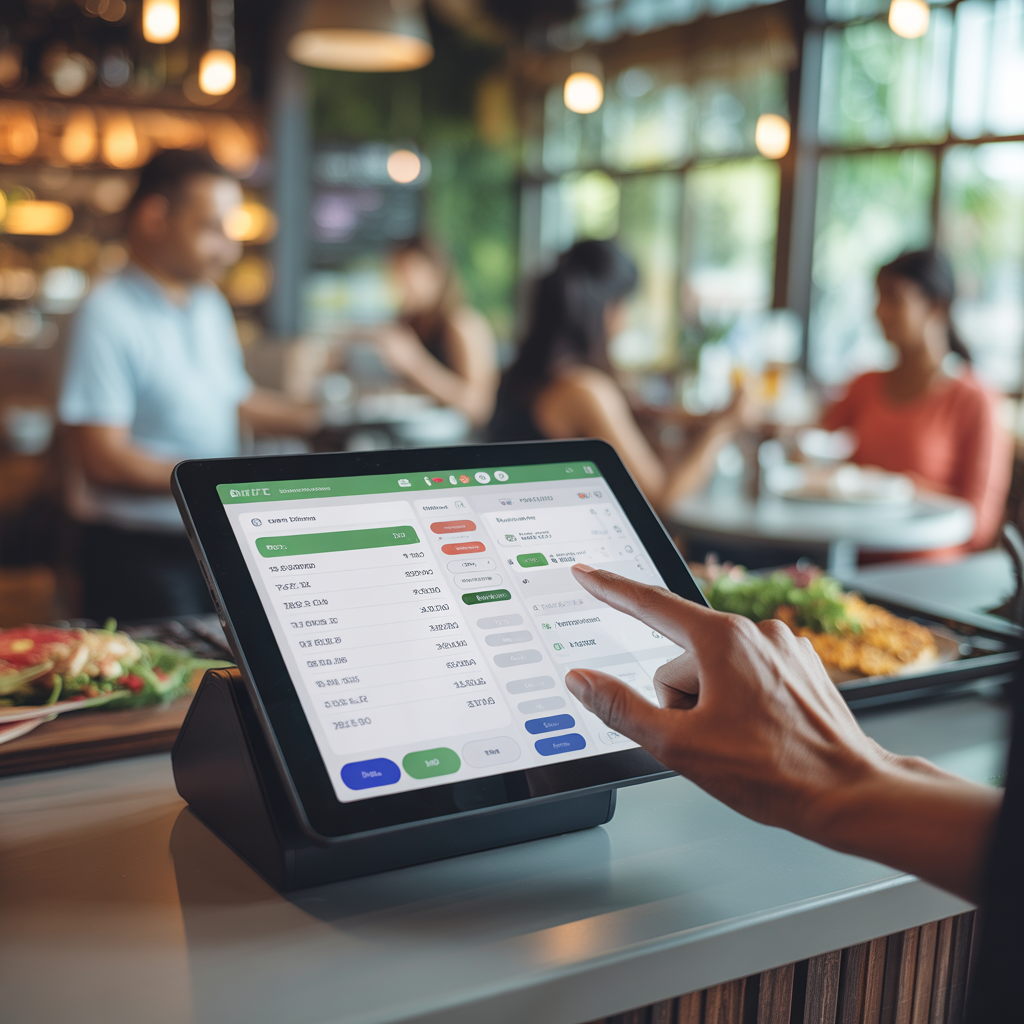
- Billing terminal or tablet: check if the software runs smoothly at peak load without lag
- Verify whether you need to buy hardware from the POS vendor or can use your own devices
- Confirm that the software runs on hardware you already own — a spare tablet or desktop browser may be all you need
- Ask whether the software has any minimum hardware specifications and test it on your actual device before committing
DineMitra is device-agnostic. It runs on any Android tablet, desktop browser, or smartphone — so you're never locked into buying specific hardware from a single vendor.
3. Offline Mode Is Non-Negotiable
Internet interruptions are a reality across India — especially in malls, basements, and high-footfall locations where network congestion is common. If your POS stops working every time the internet drops, you have a critical business risk.
- Confirm that all core billing transactions work fully in offline mode
- Ask specifically how failed syncs are retried and logged once connectivity returns
- Verify that bills and order records remain accurate after a reconnect — partial syncs can create inconsistencies in your sales data
- Test this scenario before committing: close the internet, run 10 transactions, reconnect, check if everything appears correctly in your sales overview
4. Understand the Full Pricing Structure
The monthly subscription price is rarely the full cost. Before committing to any POS, ask explicitly about every line item that could add to your bill.
- Monthly vs annual plan trade-offs — annual plans often offer 20–30% savings but lock you in early
- Hidden costs to ask about: onboarding fees, additional outlet pricing, and premium support tiers
- Hardware purchase vs rental implications — owned hardware is a one-time cost, rental adds to monthly overhead indefinitely
- What happens if you need to add a new device or printer — are those charged separately?
DineMitra's approach: No setup fees, no per-device charges, and no hidden onboarding costs. One flat subscription covers your full outlet.
5. Evaluate Daily Usability and Reporting
A POS system is only as good as how consistently it gets used. If your daily reports require manual export and cleanup in Excel, or if billing takes too long to figure out, the system is costing you more than it's saving.
- Is the billing workflow straightforward enough to follow from the first session? If not, the interface is too complex
- Does the system show a clear overview of daily and monthly sales without needing to export data manually?
- Can open and pending orders be seen on screen at a glance, so nothing gets missed during a busy service?
- Is the menu easy to update — adding new items, changing prices, or reorganising categories — without needing vendor support?
Get Started Today
Find out if DineMitra is the right fit
GST-ready billing, offline mode, basic order taking, and daily sales reports — all in one platform. 30-day free trial, no credit card required.
Final POS Buyer Checklist
Before you sign up for any POS system, run through this checklist. If a vendor can't confirm all of these clearly, keep looking.
- GST-ready billing with support for multiple tax slabs and a compliant invoice format
- Works with your required hardware — or runs on your existing devices without extra purchases
- Reliable offline mode with clean, verified sync once connectivity returns
- Transparent pricing with no surprise add-ons for additional features or support
- Billing workflow is straightforward enough to follow from the first session
- Sales overview is available on screen — daily and monthly totals visible at a glance
Choosing a POS system is one of the most important operational decisions you'll make for your restaurant. Take your time, ask the hard questions, and always test the system during a realistic peak-hour simulation before committing.
DineMitra Team
We're the team behind DineMitra — a restaurant POS platform built for Indian food businesses. We write about operations, technology, and growth strategies for restaurants of all types.